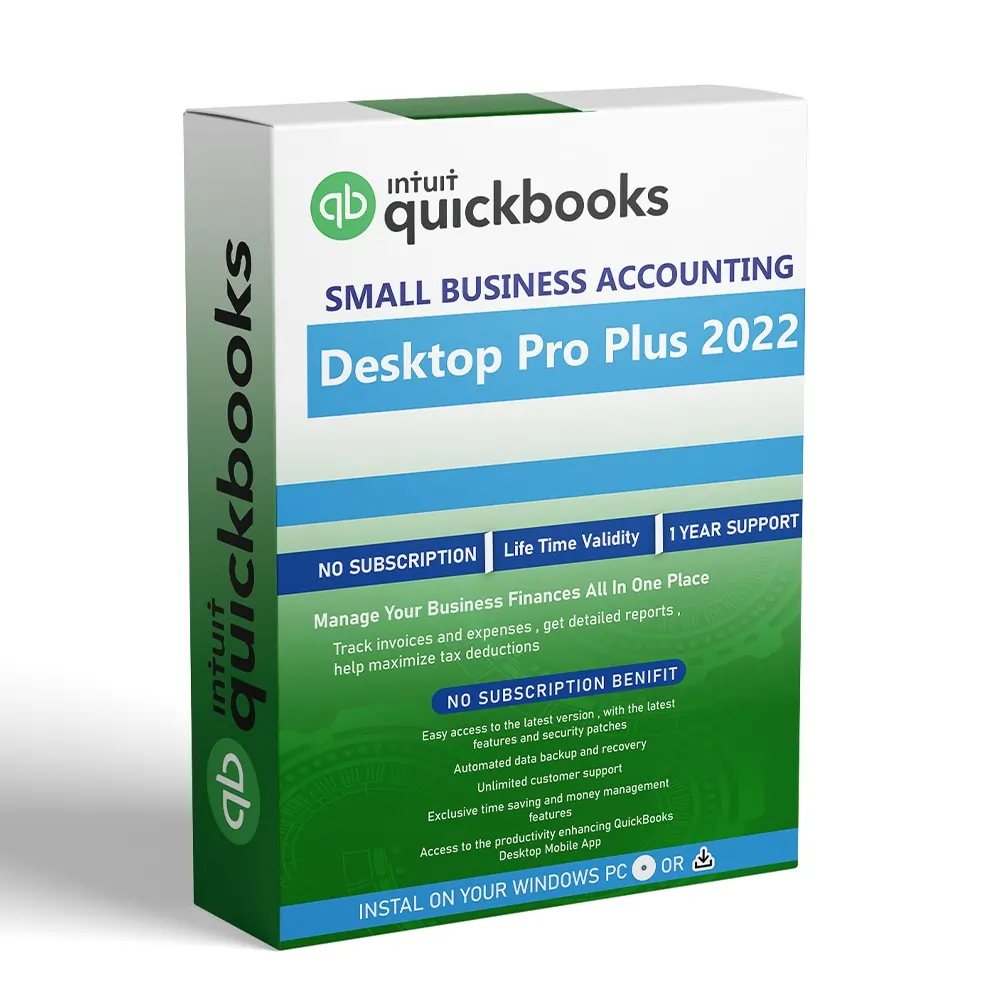
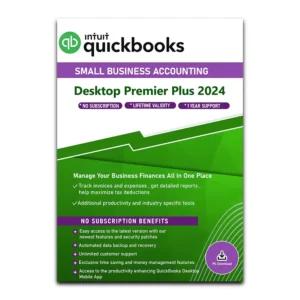
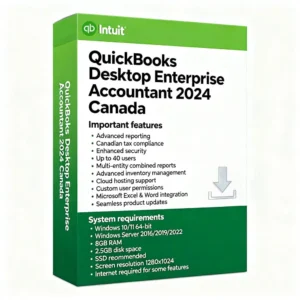
Now, managing your business finances is easier. Work faster and smarter with latest QuickBooks Pro Plus 2022.
Check out the latest version of QuickBooks Desktop Pro Plus 2024 here. Upgrade to a new version for an unbeatable price. Get access to new feature and updates now.
System Requirements
Operating Systems :-
- Windows 11, 64-bit, natively installed (QuickBooks Desktop 2022 R3 or later)
- Windows 10, all 64-bit editions, natively installed
- Windows 8.1, all 64-bit editions, natively installed
- Windows Server 2019, Standard and Essentials
- Windows Server 2016, Standard and Essentials
- Windows Server 2012 R2, Standard and Essentials
- Windows Server 2012, Standard and Essentials
Database Servers :-
a. Windows (Natively Installed)
● Windows Server 2019, Standard and Essentials
● Windows Server 2016, Standard and Essentials
● Windows Server 2012 R2, Standard and Essentials
● Windows Server 2012, Standard and Essentials
● Windows 10
● Windows 8.1
b. Linux (when using QuickBooks Enterprise Solutions Database Server-only installation)
● OpenSUSE Leap 15.1, 15.2
● Fedora 31, 32
● Red Hat Enterprise 8 (RHEL 8)
Browser requirements :-
QuickBooks Desktop 2022 requires internet access and Internet Explorer 11 (32-bit).
Hardware and Operating System Requirements
Hardware and Operating system requirements :-
| Processor |
2.4 GHz minimum |
| RAM |
8GB minimum for 64-bit, 16GB Recommended |
| Server RAM requirements |
● 1-5 Users: 8GB RAM
● 10 Users: 12GB RAM
● 15 Users: 16GB RAM
● 20 Users: 20+GB RAM |
| Disk space |
● 2.5GB of disk space (additional required for data files). Additional software: 60MB for Microsoft .NET 4.8 Runtime, provided with the installation files.
● Additional requirements for Intuit Data Protect in QuickBooks Connected Services offerings:
○ Require minimum 4.0GB RAM
○ Twice the size of the largest file set to back up + 100MB or twice the size to restore. The space is only required from the work folder LocalApplicationData+”Intuit\Intuit Data Protect”.
Note: For the best performance, store your QuickBooks data file on a solid-state drive (SSD). |
| Windows |
● North American version of Windows.
● Regional settings are supported when set to English.
● Administrator rights are required for the server computer when hosting multi-user access.
● Natively installed and doesn’t need to run in a virtual environment or emulation software. |
| Optical drive |
A 4X DVD-ROM drive is required for physical CD installations. |
| Screen resolution |
● Display optimized for 1280 x 1024 screen resolution or higher with up to 2 extended monitors.
● Best optimized for Default DPI setting for a given computer. |
Other hardware devices:-
If you use the Warehouse Manager in QuickBooks Desktop mobile, here’s the supported devices you can use:
- Zebra TC20/TC25/TC51 Mobile Computer is recommended (Android 4.4 & above)
- Zebra MC40 Mobile Computer (Android 4.4 & above)
QuickBooks Desktop Enterprise 22.0 also supports:
- Honeywell Voyager 1602g Pocket Barcode Scanner
- Socket Mobile CHS 7CI
- Symbol CS3070
Software Compatibility :-
QuickBooks integrates with hundreds of other apps. Here’s a list of the most common apps that can be used
- Office 2019.
- Office 2016 (including Outlook 2016) both on 32 and 64-bit.
- Office 2013 and 365 (including Outlook 2013) both on 32 and 64-bit. Note: Microsoft 365 is only supported when it’s locally installed, not the web version.
- Email estimates, invoices, and other forms with Microsoft Outlook 2016-2019, Microsoft Outlook with Microsoft 365, Gmail, Yahoo Mail and Outlook.com, other SMTP-supporting email clients.
- Preparing letters requires Microsoft Word 2019, 2016, 2013, or Microsoft 365 (includes 64-bit).
- Exporting reports requires Microsoft Excel 2019, 2016, 2013, or Microsoft 365 (includes 64-bit).
- Contact Synchronization with Microsoft Outlook requires Outlook 2019 (32-bit), 2016, or 2013.
- QuickBooks Point of Sale V19.0, and V18.0.
- TurboTax 2021 (Personal and Business).
- Lacerte 2021.
- Pro-Series tax year 2021.
- Quicken 2021, 2020, 2019, 2018, 2017, and 2016.
- QuickBooks Desktop for Mac 2022, 2021, 2020, and 2019.
- Adobe Acrobat Reader: Business Planner, Payroll, and viewing forms require Adobe Acrobat Reader 9.0 or later.
- Payroll and other online features and services require Internet access with at least a 56 Kbps connection speed (1 Mbps recommended).
- Gmail, Yahoo Email, Windows Mail, Hotmail and AOL (i.e Mozilla Thunderbird Email Client which supports the plain text version).
- Internet Explorer 11.
Antimalware and antivirus software compatibility:-
QuickBooks Desktop Pro and Premier 2022, and Enterprise 22.0 is tested with the following antimalware and antivirus programs.
You may need to adjust some settings in these programs to get the best QuickBooks performance.
Antivirus software
- McAfee
- Avast
- Bitdefender
- Norton
- Kaspersky
- Trend Micro Security
- Webroot
- ESET
- Panda Dome
- Sophos
- Avira
- Symantec
- F-Secure
Antimalware software
- Bitdefender
- AVG
- Malwarebytes
- Spybot
- Emsisoft
- McAfee
- Avast
- Webroot
- ZoneAlarm
- Kaspersky
- F-Secure
Note: QuickBooks will work with systems running RAID (Redundant Array of Inexpensive Disks) but it’s not recommended because it may cause QuickBooks to operate slowly.
QuickBooks Desktop 2022 requires internet security protocol TLS 1.2 for the connected services to work smoothly.