Top Features for Accountants
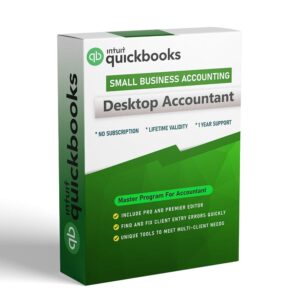
1. The “Master Key” Capability (Toggle)
Unique to the Accountant Edition, you can instantly toggle your software to view QuickBooks Pro or Premier (and their specific industry editions). This allows you to see exactly what your client sees on their screen without leaving your workstation, making troubleshooting effortless.
2. Client Data Review (CDR)
A dedicated dashboard that automates the cleanup of client books. It allows you to:
- Identify and fix unapplied customer payments and credits.
- Troubleshoot inventory discrepancies.
- Review list changes made by the client since your last login.
- Reclassify hundreds of transactions in a single click.
3. Advanced Batch Tools
Save hours of manual data entry with mass-action capabilities:
Batch Enter Transactions: Enter hundreds of checks, deposits, or invoices in a spreadsheet-style view (or paste 1,000+ transactions directly from Excel).
Batch Delete/Void: Quickly remove erroneous transactions in bulk to clean up messy files.
Batch Reclassify: Move transactions to different General Ledger accounts or Classes in bulk rather than one by one.
4. QuickBooks File Manager
A tool exclusively for firms to organize client files. It offers:
Version Control: Automatically organizes files by year and version.
Password Vault: Securely stores client file passwords.
Batch Upgrade: Upgrades multiple client files to the newest version of QuickBooks overnight.
Enterprise-Level Power
Unmatched Capacity: Track up to 1 million customers, vendors, and inventory items (6x the capacity of Pro/Premier) and support up to 40 simultaneous users.
Multi-Instance Support: Open and work in two different company files simultaneously. Great for comparing client books year-over-year or working on two clients at once.
Advanced Inventory (Platinum/Diamond): deeply integrated tools for Barcode Scanning, FIFO Costing, Serial/Lot Number Tracking, and Multi-Location Inventory.
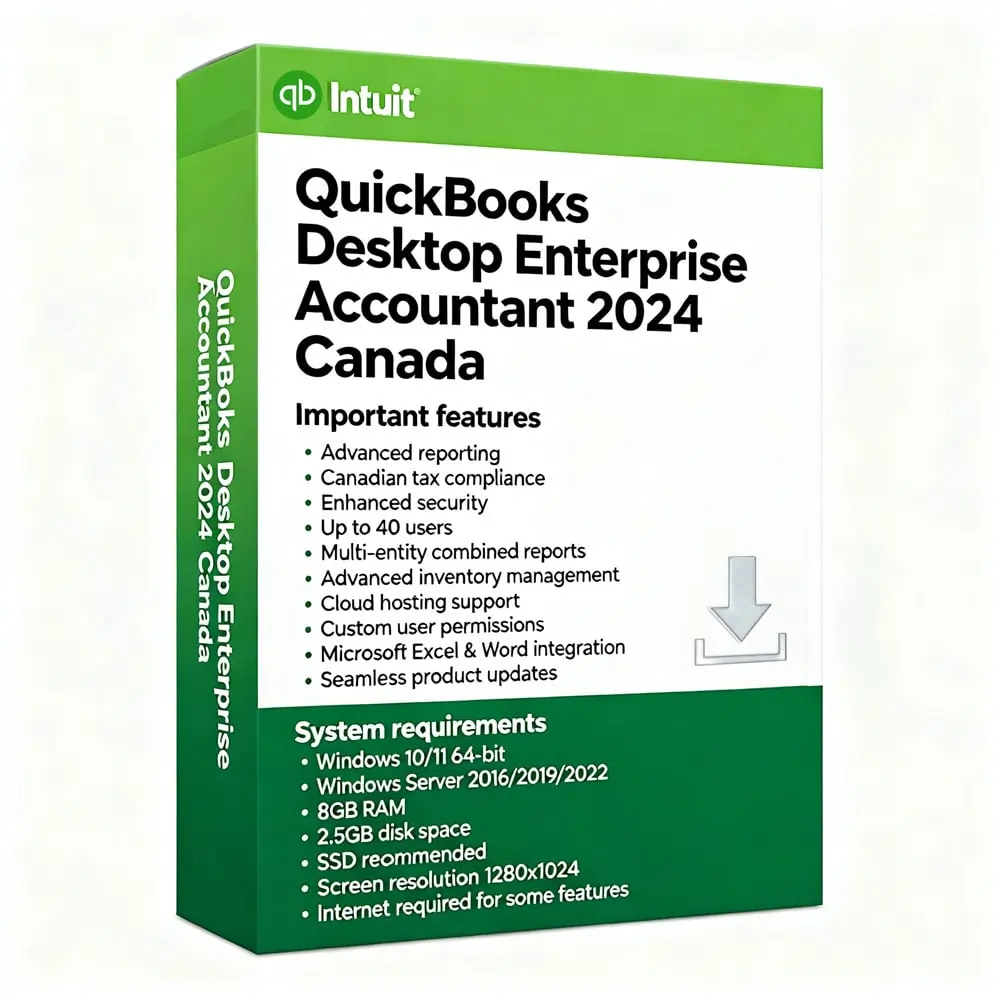
System requirements
- Client: Windows 10 (64-bit), or Windows 11 (64-bit), update/version supported by Microsoft. Windows 8.1, Windows 10 S mode, Windows 11 IOT, and Linux are not supported.
- Server: Windows Server 2016, 2019, or 2022 (Regular or Small Business Server).
2.4 GHz processor.
- Client RAM: 8GB RAM; 16GB RAM recommended.
- Server RAM (for multi-user support): 8GB (5 users); 12GB (10 users); 16GB (15 users); 20GB (20+ users).
- 2.5 GB disk space recommended (additional space required for data files); Solid State Drive (SSD) recommended for optimal performance.
- For QuickBooks Desktop Enterprise Advanced Inventory Pick/Receive functionality, Honeywell Voyager 1602 Pocket Barcode Scanner, Socket Mobile CHS 7CI and Symbol CS3070 are supported. For the barcode scanner, TC26 Mobile Computer is recommended.
- Desktop Enterprise subscriptions, payroll, payments, and online banking features require internet access.
- QuickBooks Desktop App access is included with Desktop subscriptions. Must be installed on a camera-enabled mobile device using Android 6.0 or iOS 14 or later.
- Product registration required.
- Optimized for 1280×1024 screen resolution or higher. Supports one Workstation Monitor, plus up to 2 extended monitors. Optimized for Default DPI settings.